How to Fix Weak Wi-Fi in Bedrooms and Far Rooms
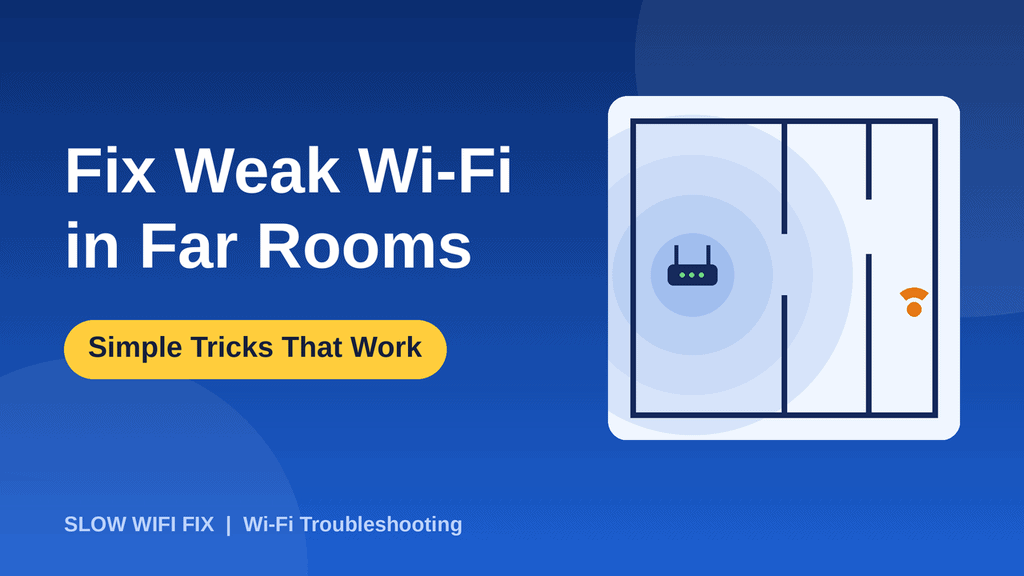
It is common to have great Wi-Fi in the living room and weak Wi-Fi in the bedroom, the basement, or the room at the end of the hall. Distance, walls, and floors all weaken the signal. You do not always need a new router. This guide gives you simple fixes in order, starting with the free ones, and helps you choose between an extender, a mesh system, powerline adapters, and an access point.
First, confirm the problem
Run a speed test next to the router and again in the weak room, using the same tool. If the speed is good near the router and poor in the far room, you have a coverage problem. If it is slow everywhere, the cause is probably your internet plan or router. Our guide on how to check your internet speed shows how.
Free fixes to try first
1. Move the router to a better position
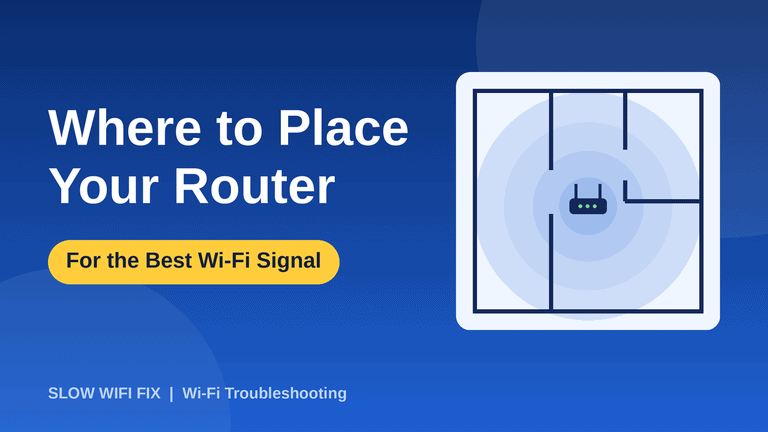
A central, raised, open spot makes a big difference. If the router sits in a corner or inside a cabinet, move it. Read our full guide on where to place your router.
2. Use 2.4 GHz in far rooms
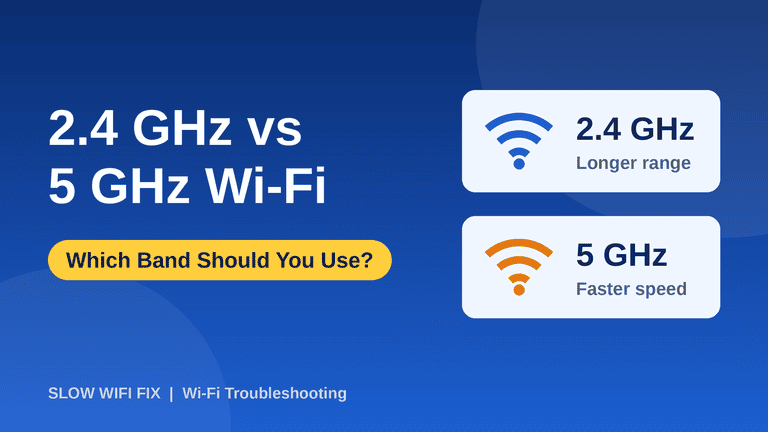
The 2.4 GHz band travels farther and passes through walls better than 5 GHz. If your device uses 5 GHz in a distant room, switch it to the 2.4 GHz network and compare. See 2.4 GHz vs 5 GHz Wi-Fi for details.
3. Reduce obstacles and interference
Thick walls, metal furniture, mirrors, and fish tanks block the signal. Microwaves, cordless phones, and baby monitors cause interference. Even moving the router by a meter can change the signal in the weak room.
4. Try a better channel
If neighbors crowd your channel, your signal suffers. Our guide on what a Wi-Fi channel is and how to change it explains the steps.
5. Restart the router
A quick restart can fix odd signal problems. Follow our guide on how to restart a router.
Paid fixes when free ones are not enough
If the far room still has a weak signal, you need to extend your network. These are the main options:
| Option | How it works | Best for | Drawback |
|---|---|---|---|
| Wi-Fi extender | Repeats the router’s signal | One weak room on a small budget | Can cut speed and creates a second network |
| Mesh system | Several units form one network | Large homes, several floors | Higher price |
| Powerline adapters | Send the internet through electric wiring | Rooms where Wi-Fi cannot reach | Depends on the quality of your wiring |
| Access point (cabled) | A second Wi-Fi unit connected with an Ethernet cable | The most reliable speed | Needs a cable run |
Wi-Fi extender
An extender picks up your router’s signal and repeats it. It is cheap and easy, but it often halves the speed, because it must receive and send on the same band. Place it halfway between the router and the weak room, in a spot where it still gets a good signal, not inside the weak room.
Mesh system
A mesh system uses a main unit and extra units that work together under one network name, and your devices move between them automatically. It is the easiest long-term fix for larger homes, but it costs more.
Powerline adapters
A pair of adapters sends the internet through your home’s electric wiring. You plug one near the router and the other in the far room. Results depend heavily on the age and quality of your wiring, so test before you decide that it works.
Access point with an Ethernet cable
If you can run a cable to the far room, a second access point (or a router in access point mode) gives the best speed and stability, because it does not rely on the wireless link between devices.
Is it time to replace your router?
A router that is more than five years old may not handle modern devices or speeds. A newer router with Wi-Fi 6 gives better range and handles many devices better. Before you buy, try the free fixes above, since many problems come down to placement.
Quick plan
- Test the speed near the router and in the weak room.
- Move or raise the router, and remove obstacles.
- Use 2.4 GHz in far rooms and check the channel.
- Restart the router and test again.
- If it is still weak, choose a mesh system or a cabled access point, or an extender for a small budget.
Frequently asked questions
Why is my Wi-Fi weak only in the bedroom?
Usually it is the distance from the router, walls and floors in between, or both. Moving the router or adding a device in the middle usually helps.
Do Wi-Fi extenders really work?
They can, especially for one weak room, but they often reduce speed. Placing them halfway between the router and the weak room works best.
Is a mesh system better than an extender?
For most larger homes, yes. A mesh system gives one network name and smoother roaming, while basic extenders create a separate network and can slow things down.
Can I fix weak Wi-Fi without buying anything?
Often yes. Moving the router, switching band, changing the channel, and removing obstacles are free and solve many cases.
Describe your home layout and where the signal is weak on our Contact page, and we will suggest the best fix for you. If your connection also drops, read what to do when Wi-Fi keeps disconnecting.